

iOS 26
Check whether an app or signing method lists your exact iOS 26 build. A web clip or theme can have different requirements from a sideloaded IPA.

Explore iPhone and iPad apps, themes, IPA sideloading, tweak-style tools, emulators, and installation guides for iOS 27 and older versions. Check each item's device, iOS, and signing requirements before you install.
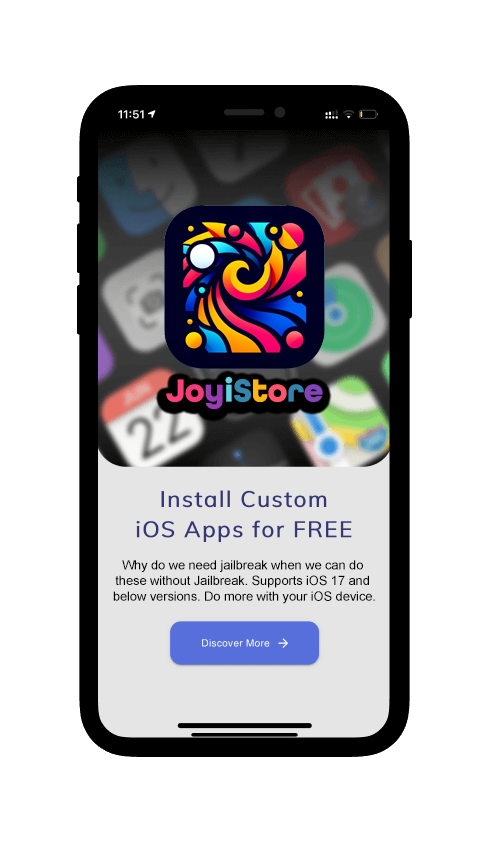



Discover JoyiStore in your browser
Explore the JoyiStore demo, browse 17 collections and 219 resource entries, search for what interests you, and see membership options. Open it on iPhone, iPad, or desktop.
Open the free demo →


JoyiStore brings together practical iOS customization categories with clearer explanations of what each method can and cannot do. Availability changes as Apple releases new iOS versions and as third-party signing or jailbreak support changes.
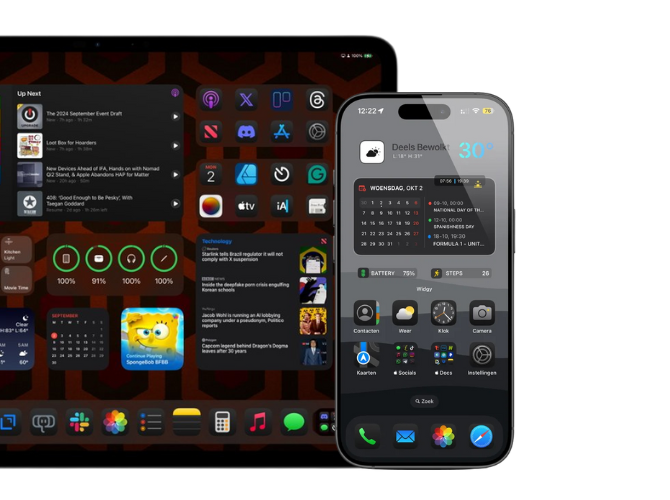

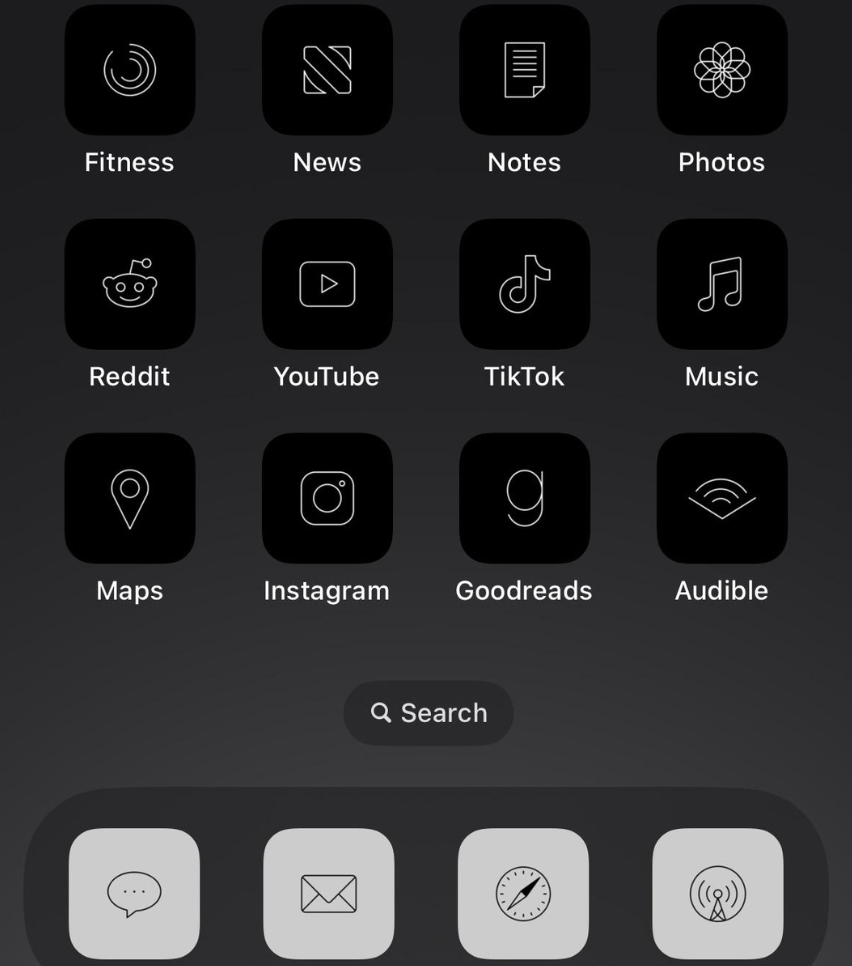
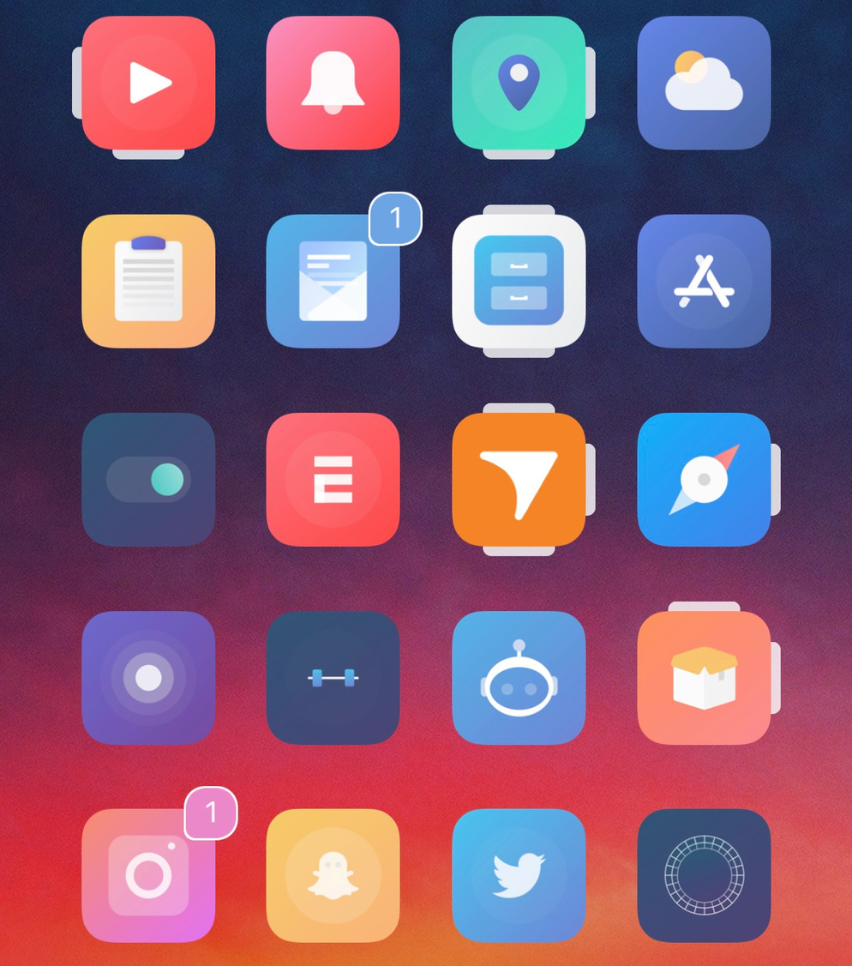
Personalize your Home Screen with icon themes, widgets, shortcuts, and other appearance-focused options. Some no-jailbreak themes use web clips or Shortcuts, so launching behavior can differ from native App Store icons.
Explore emulator, simulator, and launcher-style utilities where they are available. Compatibility depends on the app, signing method, iOS version, and device hardware, so individual requirements matter more than a single universal compatibility claim.
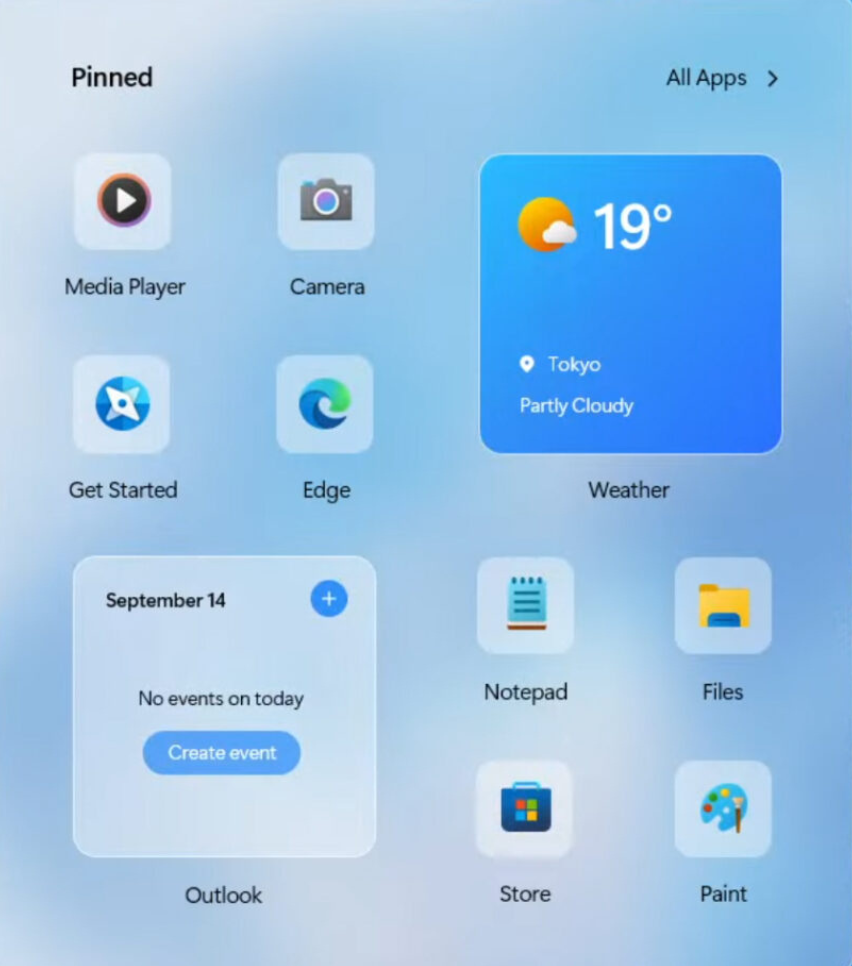
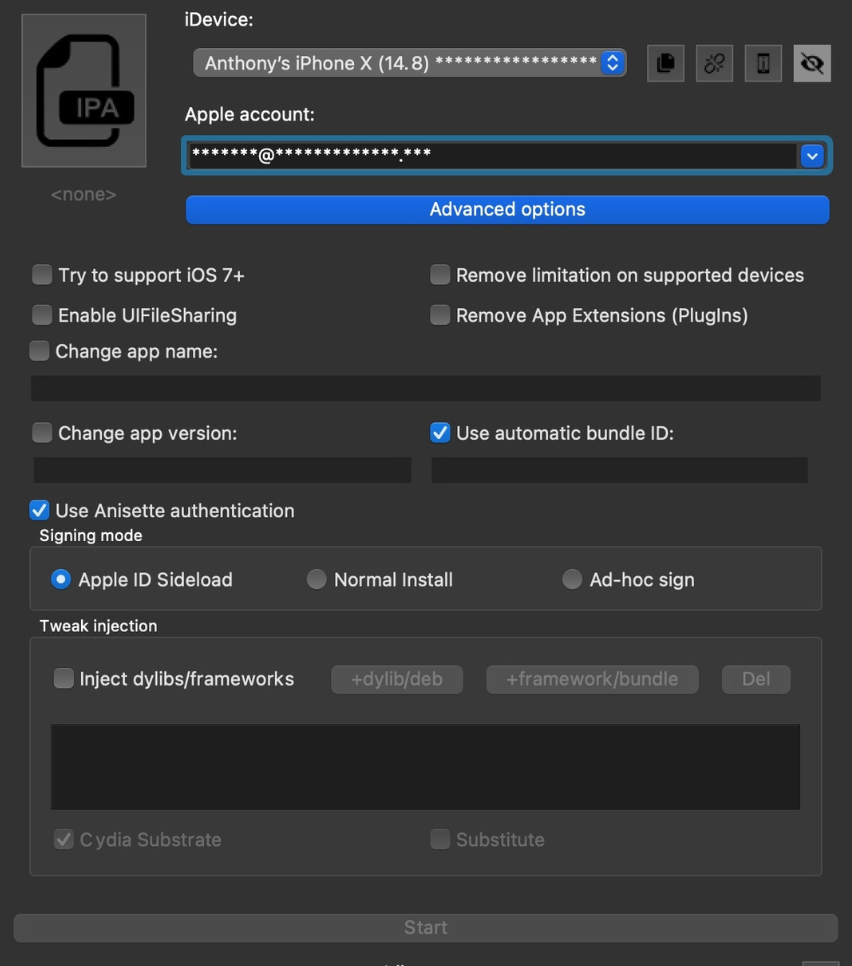
IPA files are iOS app packages. Sideloading tools can install eligible apps outside the App Store, but signing rules, certificates, account limits, and re-signing requirements vary by method. JoyiStore provides guidance rather than promising permanent signing.
An IPA mod, sometimes called a modded IPA or tweaked IPA, is an iOS app package that someone has changed from its original release. The phrase “IPA tweaks” can mean changes inside an app, while traditional Cydia tweaks usually need a compatible jailbreak or rootless environment. These are different installation paths.
Before trying any modified app package, verify its source, permission requests, signing method, and compatibility with your device. A name like “mod IPA” does not guarantee that a download is safe, authorized, or working on your iOS version.
Traditional Cydia tweaks generally require a compatible jailbreak or rootless environment. Some modern tools can imitate specific customization features without a jailbreak, but they are not the same as a full Cydia jailbreak experience.
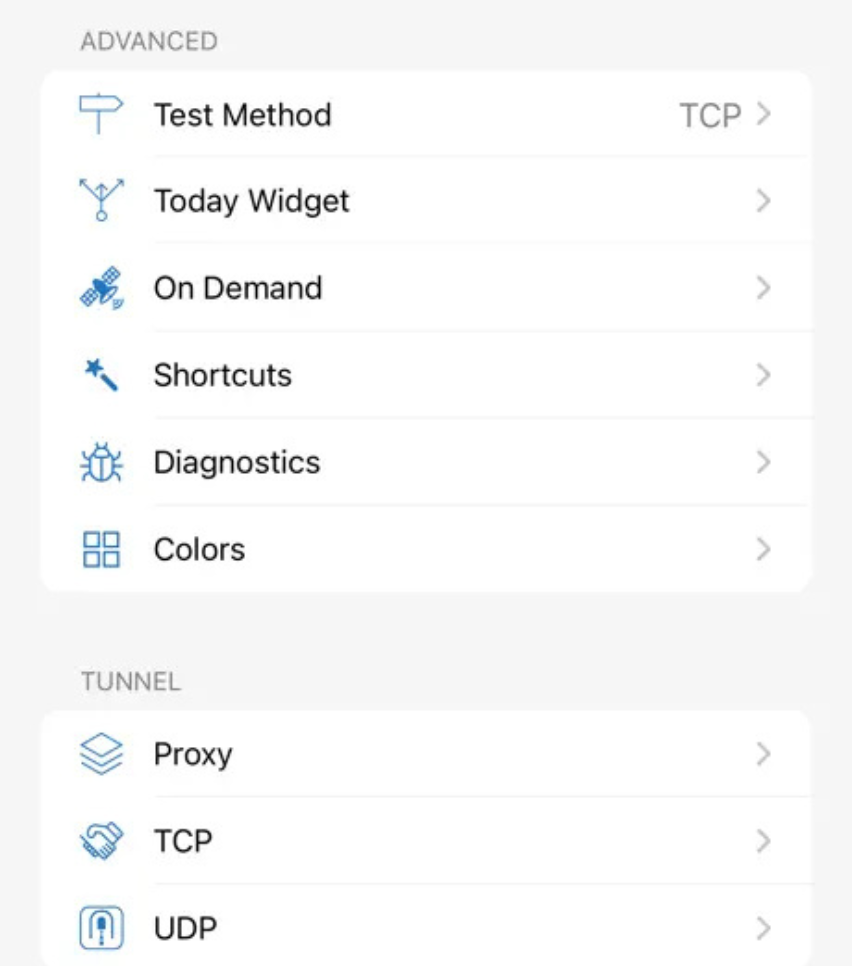
JoyiStore may point users to third-party VPN, proxy, DNS, or privacy utilities. A privacy tool is only as trustworthy as its provider, so review the provider, permissions, privacy policy, pricing, and official documentation before relying on it.
JoyiStore is an independent iOS customization resource and is not affiliated with, endorsed by, or sponsored by Apple Inc. Apple, iPhone, iPad, iOS, and iPadOS are trademarks of Apple Inc.
An Apple update can change profile behavior, signing, sideloading, jailbreak support, or third-party app compatibility. Check the requirements for the specific item before installing it.
Some resources are created or operated by third parties. Review the source, permissions, privacy information, and removal steps before trusting a profile, app, certificate, VPN, or utility.
Reviewed by JoyiStore • Updated September 25, 2026

JoyiStore made installing iOS themes really easy. Installing the themes only takes a few clicks. And uninstalling and changing the themes are really easy


JoyiStore is super easy to use and the app stores made my day. The wish sender - iWish is really amazing and my girlfriend was thrilled for the bday wish I sent her with iWish. It was great!

JoyiStore made the home screen look great. The modern app icons are next level and there were many themes to choose from. So far so good.

Apple released iOS 27 and iPadOS 27 on September 14, 2026. JoyiStore content is being maintained for the current iOS generation, while older resources remain useful only when their individual requirements match your device and software version.
Version reference: Apple security releases. Last reviewed September 25, 2026.
Your iOS version changes which themes, sideloading methods, IPA apps, and jailbreak tweaks may be available. These notes are starting points; always check the exact version and device requirements for each item.
Check whether an app or signing method lists your exact iOS 26 build. A web clip or theme can have different requirements from a sideloaded IPA.
Explore icons, widgets, profiles, and sideloading guidance, then confirm which options work on your specific iPhone or iPad.
Older devices can have different signing, app, and jailbreak requirements. Check compatibility before following a guide written for a newer version.
Legacy apps and tweak instructions are especially version-specific. Review the original source and security status before using an older method.
Open JoyiStore in Safari on your iPhone or iPad and follow the installation guide. Premium membership is optional and is purchased separately through the pricing page.